More Overlays Updated – Useful Overlays for Minecraft
More Overlays Updated adds useful visual overlays to Minecraft, helping with light levels, chunk borders, and item search for a better gamep
More Overlays Updated adds useful visual overlays to Minecraft, helping with light levels, chunk borders, and item search for a better gameplay experience.
Main Features of the Mod
-
Displaying Light Levels and Mob Spawn Areas: By pressing the F7 key, you can activate an overlay that shows yellow crosses on blocks where monsters can spawn at night and red crosses where they can spawn at any time.
-
Chunk Borders: By pressing the F9 key, you can enable the chunk border overlay. It has three modes:
-
The first mode displays red lines in the corners and a yellow line in the center of the chunk.
-
The second mode adds a green grid around the edges of the chunk.
-
The third mode highlights the Minecraft region with a green grid and shows the corresponding region save file in the top left corner of the screen.
-
-
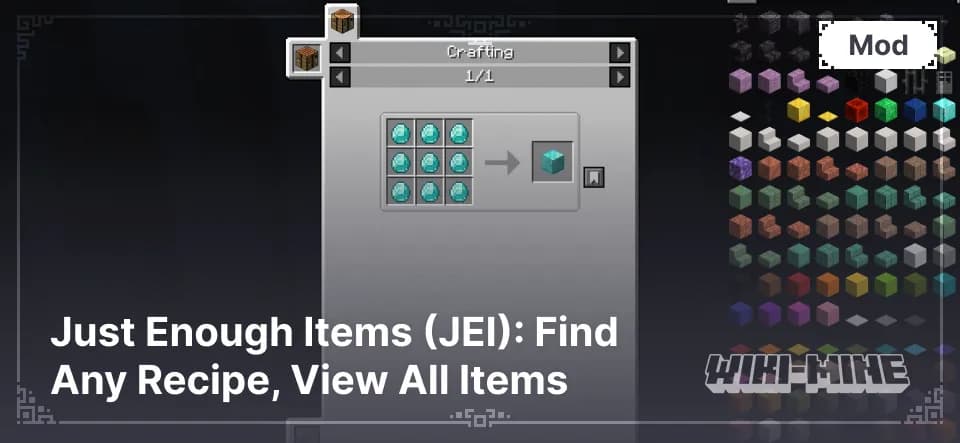
Item Search in Inventory: If the Just Enough Items (JEI) mod is installed, you can double-click the JEI search bar to activate the item search function in your current inventory. All items that do not match the entered filter will be dimmed, making it easier to find the needed object.
Conclusion
The mod More Overlays Updated makes the game more convenient by adding important visual elements that help players navigate the game world more efficiently, manage resources better, and increase safety by preventing unwanted mob spawns in unlit areas.
Published under MIT License
Installation
A typical installation takes about 5 minutes. The flow is the same; only the loader and the matching build differ.
 Installing Mods in Minecraft: A Guide for Forge, FabricLearn how to install mods in Minecraft with this step-by-step guide for Forge and Fabric. Improve your game with new features, tools, and mechanics!Open the install guide