
Mods
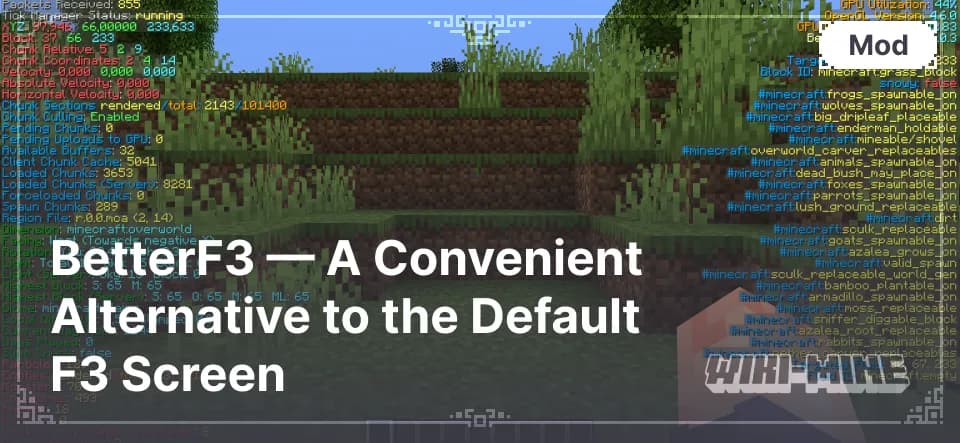
BetterF3 — A Convenient Alternative to the Default F3 Screen
BetterF3 is a Minecraft mod that replaces the default F3 screen with a customizable interface featuring colors and easy data control.
April 29, 2025
141
1
0
BetterF3 is a Minecraft mod that replaces the default F3 screen with a customizable interface featuring colors and easy data control.
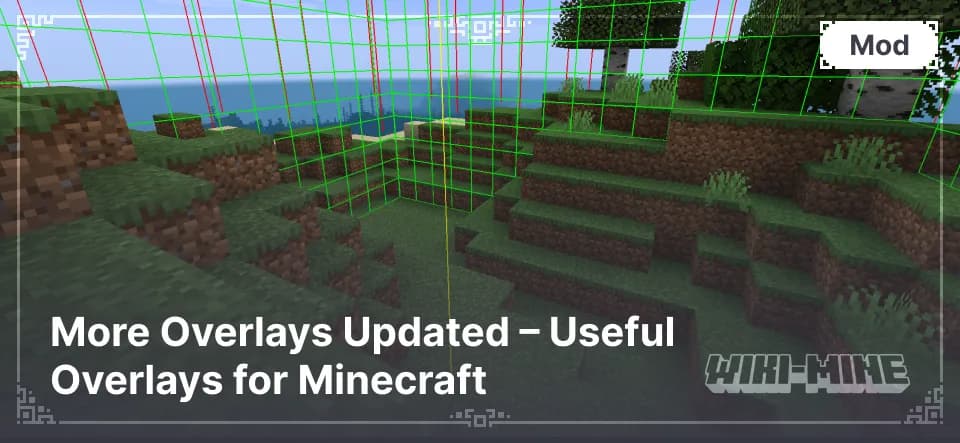
More Overlays Updated adds useful visual overlays to Minecraft, helping with light levels, chunk borders, and item search for a better gameplay experience.
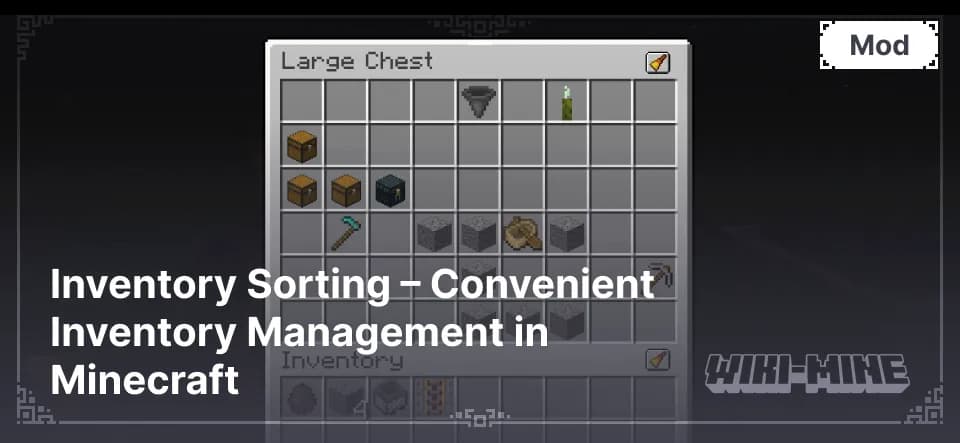
Important: The mod requires the Fabric API to be installed. Main Features Automatic Sorting A sorting button will appear in the inventory and chests, which, when pressed, instantly arranges items in order. This helps find needed items more quickly. Hotkeys You can configure convenient key
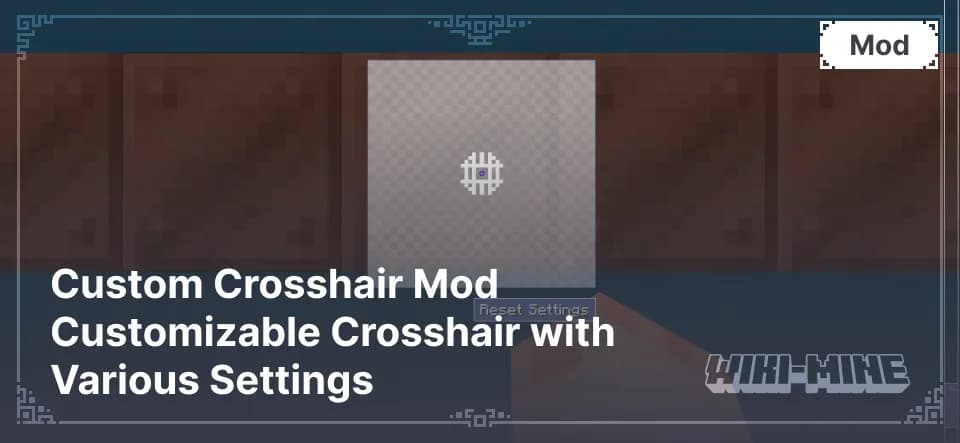
Main Features Adjustable Size and Color You can change the size of the crosshair, making it more noticeable or minimalist. Additionally, you can choose any color, allowing for better adaptation to the game environment. Shape Selection In addition to the standard cross, players can choose a circle,
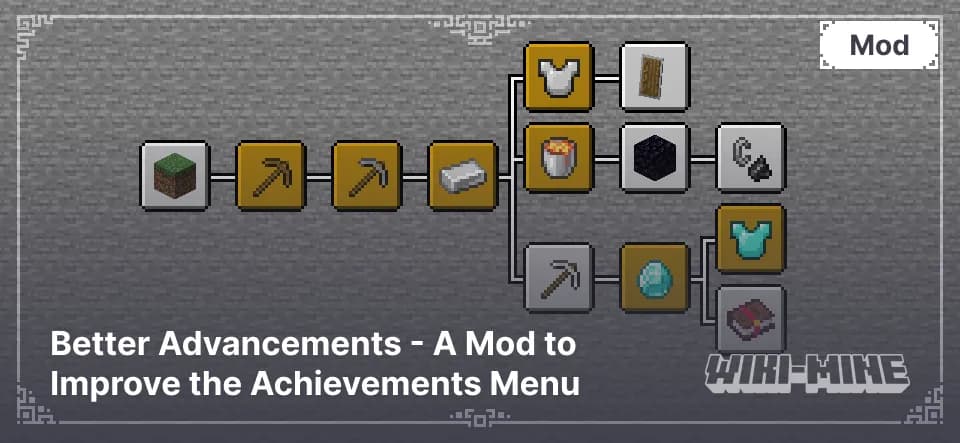
Discover Better Advancements – a mod that enhances Minecraft's achievement system with a clearer interface and detailed progress tracking.
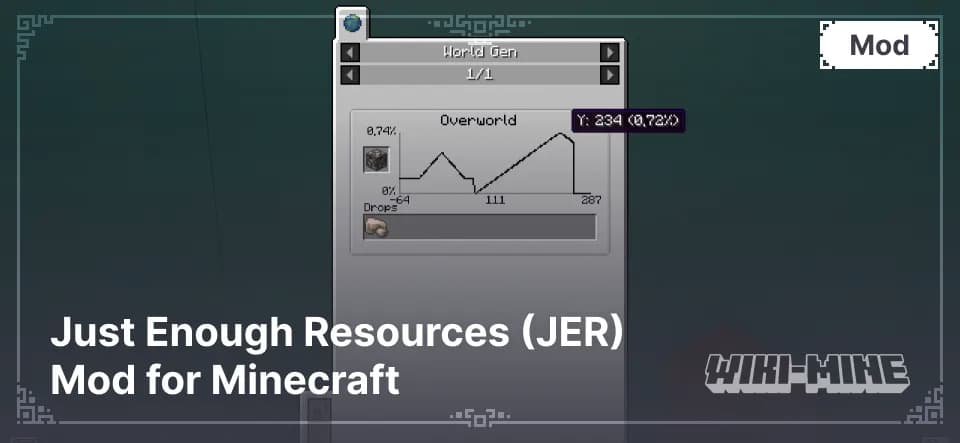
Explore the Just Enough Resources (JER) mod for Minecraft. Get detailed info on mob drops, dungeon loot, ore generation, and plant drops.
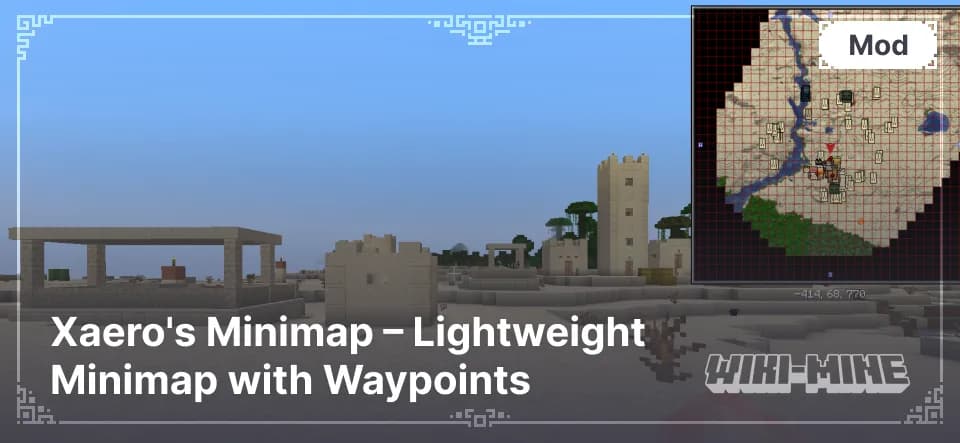
Xaero's Minimap is a Minecraft mod that adds a lightweight minimap with waypoints, cave mode, and customization options for easier navigation.
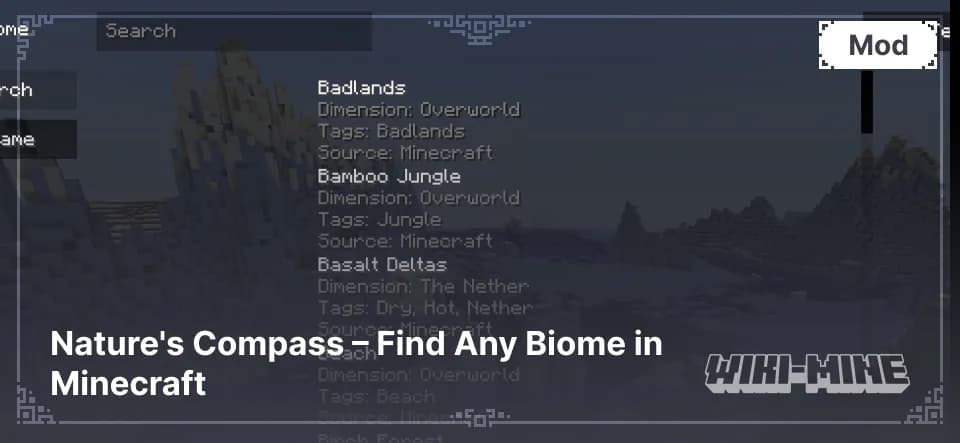
Nature's Compass is a Minecraft mod that helps you find any biome easily. Track locations, explore new areas, and navigate the world with precision.
Looking to simplify navigation in the Minecraft world and get more information about your surroundings? Map and Interface Mods for Minecraft, such as minimap mods and HUD enhancements, add convenient maps, indicators, and panels that make gameplay more comfortable and intuitive. These mods help you easily navigate, find key points, and monitor various stats.
Map and Interface Mods for Minecraft significantly enhance interaction with the game world and provide new possibilities for players. Key benefits of these mods include:
To improve navigation and interface in Minecraft, check out these popular mod categories:
Installing map and interface mods in Minecraft takes just a few steps:
mods folder in your Minecraft root directory.Encounter issues? See the detailed guide for installing mods.
Map and Interface Mods for Minecraft make it easier to navigate, improve interaction with the environment, and provide more useful information. Install these mods today to enjoy seamless navigation and a customized interface, enhancing your overall gameplay experience!