Blossoming Valley: A Seed for Minecraft 1.20+
Explore a beautiful cherry blossom valley, villages, and unique locations in Minecraft 1.20+. Perfect for survival and creative adventures!
Explore a beautiful cherry blossom valley, villages, and unique locations in Minecraft 1.20+. Perfect for survival and creative adventures!
Seed Details
- Seed Key:
3742741371607865329 - Minecraft Version: 1.20+
- World Type: Standard
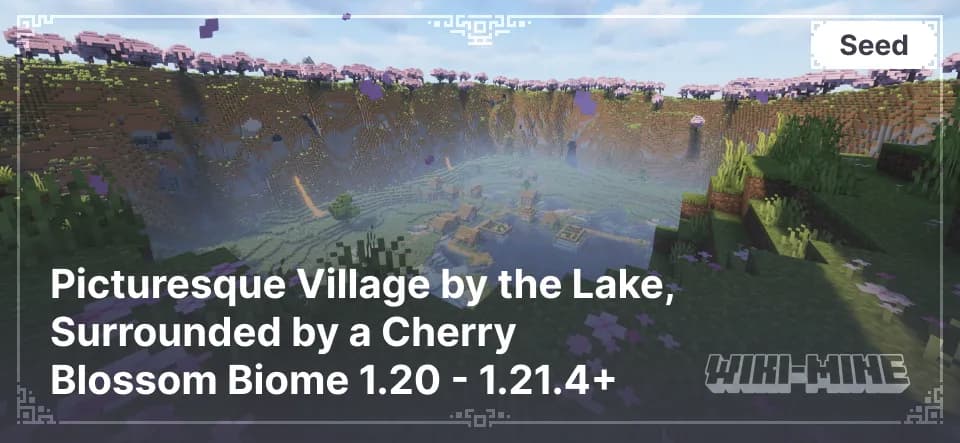
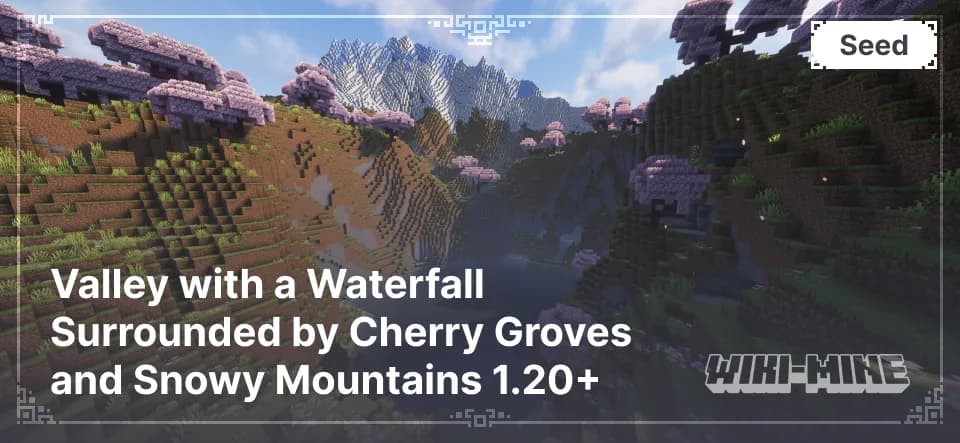
This seed features a rare generation where a large portion of the map is covered by a cherry blossom biome, creating an incredible atmosphere. Additionally, the world hides essential structures that make the gameplay even more exciting.
Unique Features of the World
Blossoming Cherry Valley
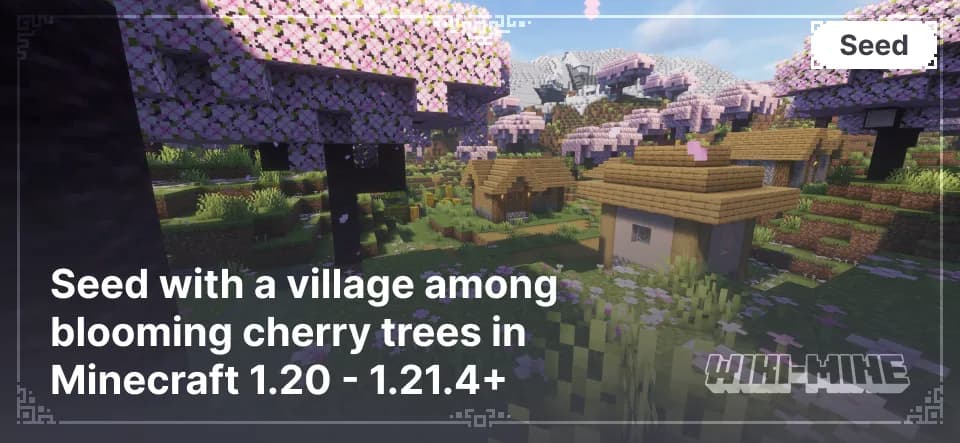
The centerpiece of this seed is a vast valley covered with cherry blossom trees. The soft pink hues and gentle landscape create a breathtaking scene, perfect for building or simply enjoying the view.
Village (X: 640, Z: -208)
The map includes a cozy village where you can gather starting resources, trade with villagers, and set up your first shelter.
Ruined Portal (X: 296, Z: -376)
An old ruined portal serves as your first step towards the Nether. Here, you’ll find gold and other useful items to help you in the early stages of the game.
Stronghold (X: 2100, Z: -1100)
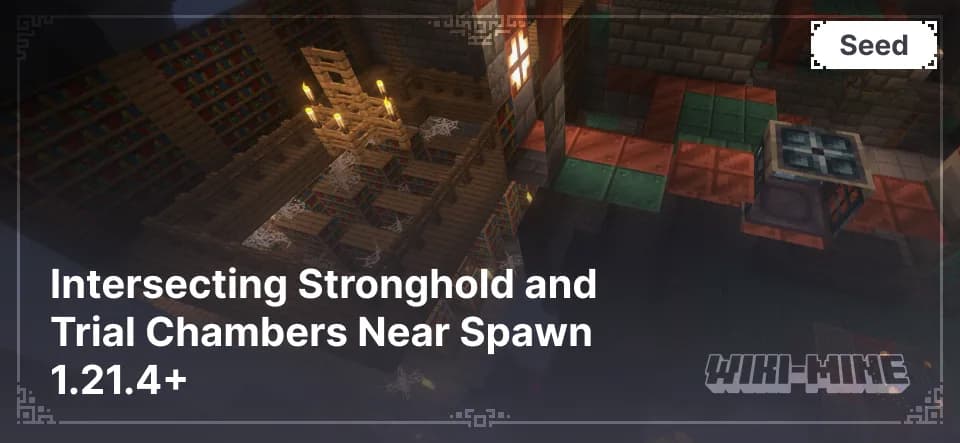
For players aiming to complete Minecraft, the stronghold with an End portal is a key location. Inside, you’ll find a library, treasure chests, and, of course, the portal itself.
Trial Chambers (X: -249, Y: -21, Z: 119)
This new structure offers an unforgettable experience. Explore the chambers carefully to discover rare resources and enjoy a new level of challenge.
Conclusion
This seed is perfect for players seeking not only beautiful landscapes but also exciting opportunities for survival and adventure. The blossoming valley and hidden structures make this world a unique choice for any playstyle. Experience all it has to offer and create your own stories in this incredible Minecraft world!
Installation
A typical installation takes about 5 minutes. The flow is the same; only the loader and the matching build differ.
- 1Start Singleplayer -> Create New World.
- 2Open More World Options and paste the seed into the Seed field.
- 3Generate the world — the listed features are near the spawn.
Gallery
Found: 37